
This post contains affiliate links. As an Amazon Associate, I earn from qualifying purchases at no extra cost to you.
Are you looking for smart kitchen ideas that actually make everyday cooking feel calmer (not more complicated)? Do you want to refresh your kitchen this spring with smart home technology that looks beautiful on the counter and works reliably in real life?
In this guide, I’m walking you through the upgrades I use most—simple automations, approachable kitchen gadgets, and a few “wow” moments that still feel tasteful. I’ll cover how I plan a connected kitchen, what I automate first, and how I keep the whole setup friendly for everyone in the house.
In my opinion, this is perfect for anyone who wants a Spring Smart Home Upgrade without tearing out cabinets or committing to a full remodel.
From my experience, the best results come from pairing three things: lighting you don’t have to think about, cooking tools that reduce guesswork, and routines that handle the repetitive stuff for you. I’ll share ideas like a voice-controlled faucet, a smart oven display that keeps you on track, and under-cabinet lighting automation that makes the whole kitchen glow on cue.
I always start by choosing a few changes that improve mornings, dinner prep, and cleanup—then I layer in the fun extras once the basics feel effortless. Below are 25 Smart Kitchen Technology & Automation Ideas that…
1. Build the “Triple-Win” Zone: Voice Faucet + Smart Oven Display + Under-Cabinet Lighting
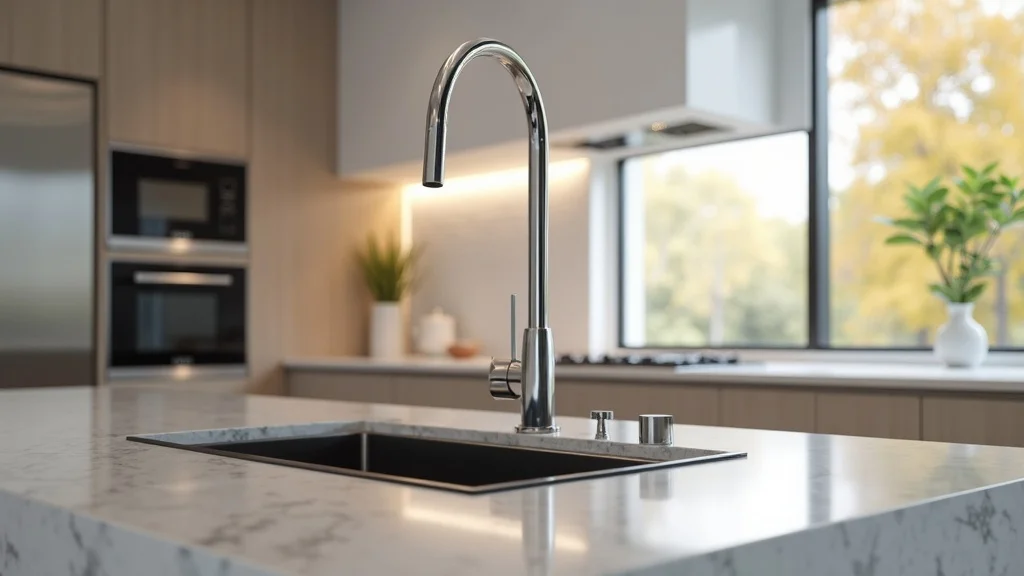
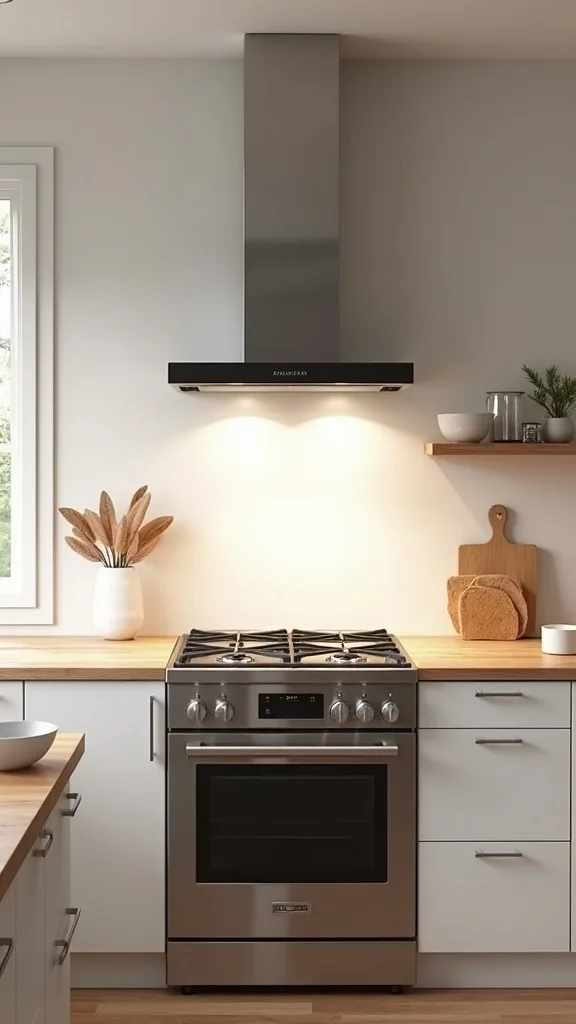
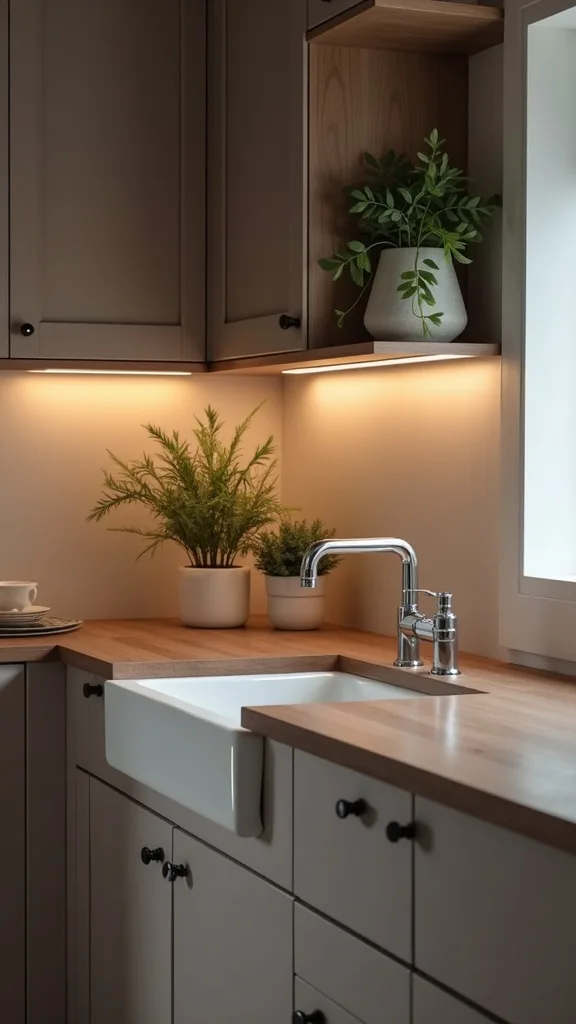
When I design this look, I focus on one high-impact zone that instantly makes the kitchen feel modern: a voice-controlled faucet, a smart oven display, and under-cabinet lighting automation. I find that bundling these three upgrades creates a daily “wow” without making the space feel like a gadget showroom.
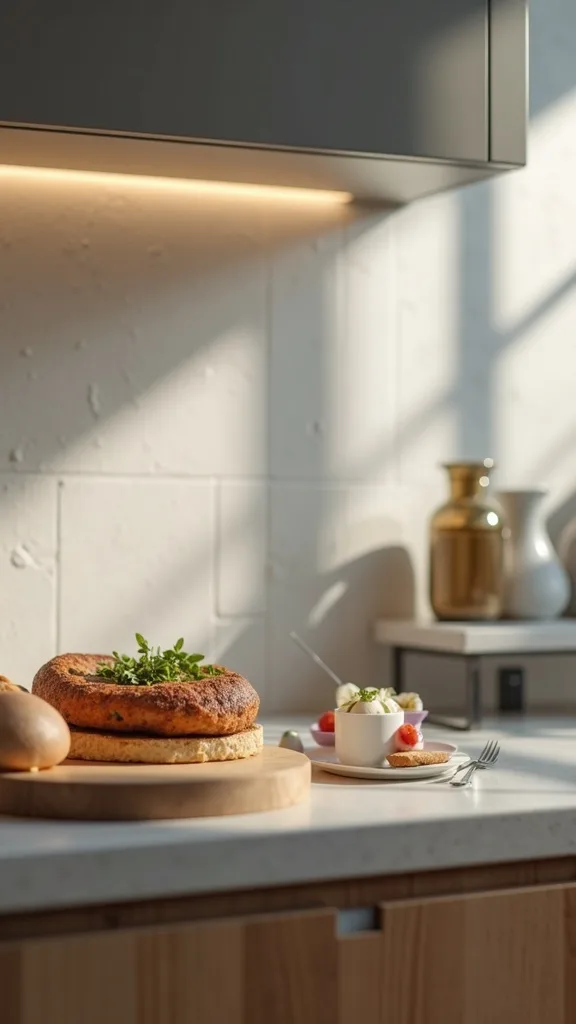
I always start by placing the faucet upgrade at the main sink, then I set the oven’s on-screen prompts where I can read them from my prep area. For the lights, I add under-cabinet strips and program them to turn on automatically at sunset and brighten during cooking time.
In my opinion, warm white light (2700K–3000K — the cosy, yellowish tone you see in most homes) looks the most inviting for spring evenings, especially against white cabinets, light oak, or soft greige paint.
Pro tip: I set a “Cook” voice command that turns on the under-cabinet lights and starts a timer on the oven display, so I feel supported the moment I walk in—like the kitchen is ready for me.
2. Create a “Good Morning” Kitchen Routine That Starts Before You Enter
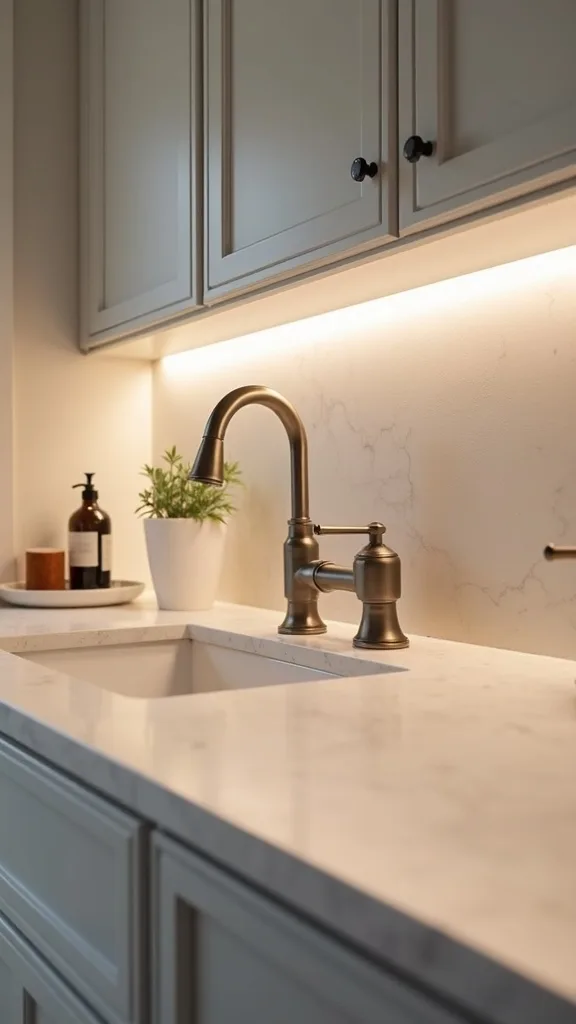
From my experience, the most satisfying smart home automation is the kind you barely notice—until you realize your mornings are smoother. I like building a “Good Morning” routine that gently wakes the kitchen up for me, so I’m not fumbling for switches or making decisions half-awake.
I always recommend starting with lighting: schedule your kitchen lights to turn on at a soft level, then ramp up after 10–15 minutes. Next, add a smart plug for your coffee maker (only if your machine has a physical on/off switch) and set it to power on after you’ve prepped it the night before.
For a cohesive look, I pair the routine with warm white light (2700K–3000K — the cosy, yellowish tone you see in most homes) and keep visible devices in white, matte black, or brushed stainless so they blend with your hardware.
Pro tip: I add a gentle under-cabinet glow as a “path light,” and it makes the whole kitchen feel like a boutique hotel breakfast nook—calm, intentional, and ready for the day.
3. Automate Under-Cabinet Lighting Scenes for Prep, Dinner, and Night Cleanup
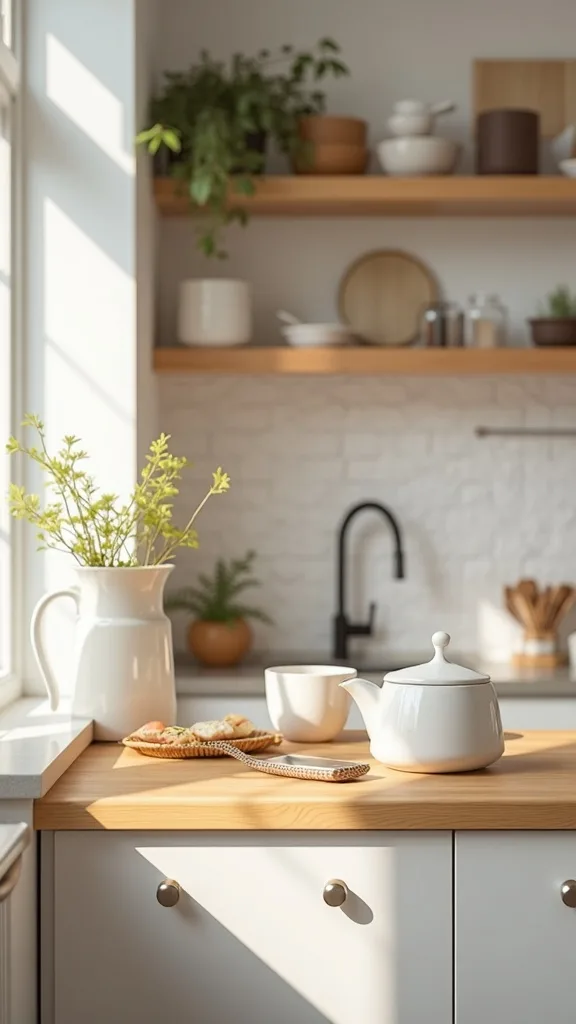
I find that lighting is the fastest way to make a connected kitchen feel luxurious, especially in spring when you’re cooking lighter meals and spending more time in bright, airy spaces. Instead of one harsh overhead light, I use scenes that match what I’m doing.
I always start by installing under-cabinet light strips, then I create three scenes: “Prep” (bright), “Dinner” (softer), and “Cleanup” (bright again). I tie each scene to a voice command and a schedule—so “Dinner” automatically kicks in around your usual mealtime.
For the most flattering effect, I stick to warm white light (2700K–3000K — the cosy, yellowish tone you see in most homes) and choose diffused strips so the light looks smooth, not dotted. If you’re comparing options, look for comfortable brightness (measured in lumens) so countertops are easy to see.
Pro tip: I add motion activation after 10 p.m. at a low level, and it turns late-night water runs into a cozy little ritual instead of a full spotlight moment.
4. Use Motion Sensors for Hands-Free Pantry and Sink Lighting
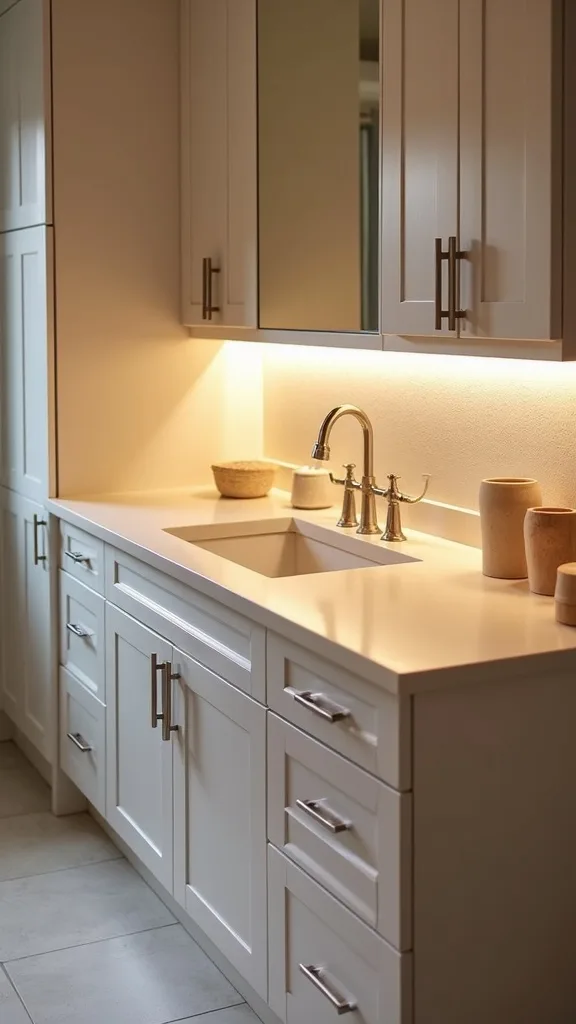
One of my favourite approaches is adding motion sensors in the spots where my hands are usually full—right at the pantry door and near the sink. I find that this type of smart home technology feels instantly helpful, especially when you’re juggling groceries or washing up.
I always start by choosing one motion sensor and pairing it to a smart bulb or an under-cabinet lighting zone. Then I set rules like “turn on for 3 minutes” so lights don’t stay on forever, and I adjust sensitivity so it doesn’t trigger every time someone walks past the doorway.
In my opinion, a soft, warm white light (2700K–3000K — the cosy, yellowish tone you see in most homes) keeps the kitchen from feeling clinical. I also like matching sensor and switch plates to your wall color so everything looks intentional.
Pro tip: I set an overnight mode that lowers brightness (measured in lumens), and it makes midnight snacks feel peaceful—like the kitchen is whispering instead of shouting.
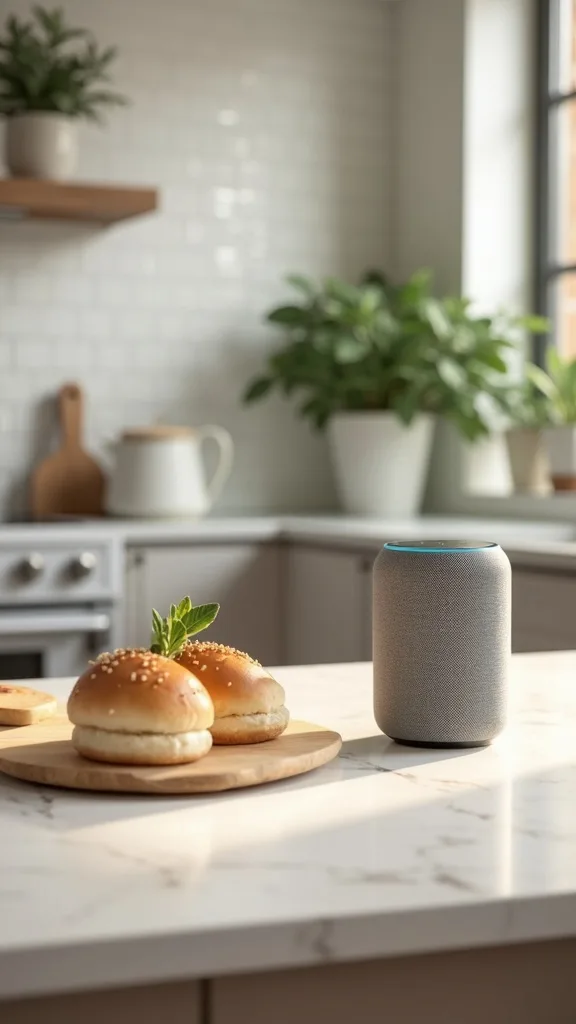
5. Add a Smart Speaker as a “Kitchen Concierge” (Timers, Lists, and Music)
I’ll be honest: the simplest upgrade that changes everything is a smart speaker in the kitchen. From my experience, it becomes the friendly “concierge” that keeps dinner moving—timers, conversions, shopping lists, and a little music to make chores feel lighter.
I always start by placing it away from the stove (steam and splatter are real) but close enough to hear me while chopping. Then I set up shared grocery lists and a default music playlist so anyone in the house can say what we’re out of without hunting for a pen.
To keep the decor clean, I choose a speaker finish that matches my palette—white for bright kitchens, charcoal for moodier spaces, or a light fabric tone for a softer spring vibe. I also tuck the cord behind a canister or cookbook stand.
Pro tip: I create a “Cook with me” voice command that starts a timer, turns on under-cabinet lights, and plays low-volume jazz—suddenly weeknight cooking feels like a small, inspiring event.
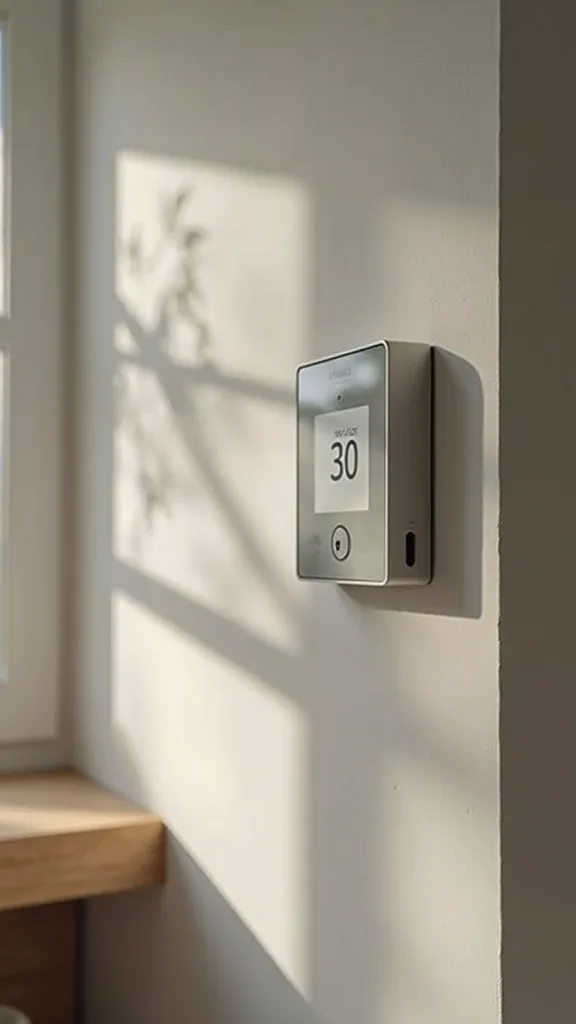
6. Install a Smart Thermostat Routine That Supports Cooking Comfort
I find that comfort is part of kitchen design, even though we don’t talk about it enough. When I’m baking or running multiple burners, the kitchen can get warm fast—so I use smart home automation to keep the room comfortable without constant thermostat fiddling.
I always recommend creating a “Cooking” routine that gently adjusts the temperature when the oven is on during your usual dinner window. If your thermostat supports schedules, set a slightly cooler target for peak cooking time, then return to normal after cleanup.
In my opinion, this works best when you pair it with light, spring-friendly textiles—think washable runners and linen-look towels—so the space feels breathable. If your thermostat has a display, I like placing it where it doesn’t visually compete with statement art or open shelving.
Pro tip: I link the routine to a voice command like “Start dinner,” and it makes the kitchen feel cared for—like the home is quietly helping you host yourself.
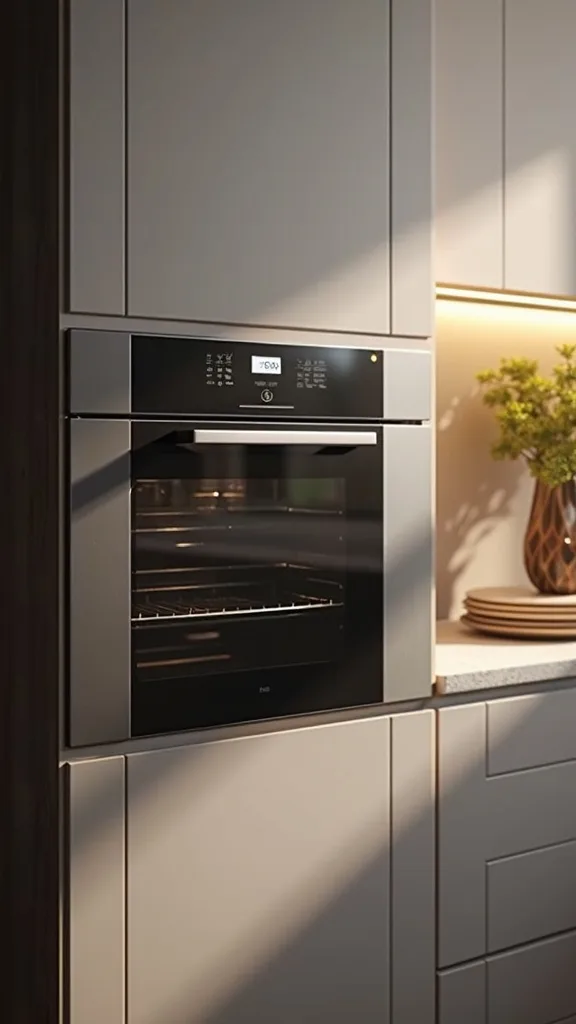
7. Upgrade to a Smart Oven or Add a Smart Thermometer for Stress-Free Timing
From my experience, timing is the biggest source of cooking stress, so I love any upgrade that reduces guesswork. If you’re not ready for a new oven, a smart thermometer can still give you that “smart oven display” confidence—without a remodel.
I always start by deciding what you cook most: roasts, chicken, bread, or weeknight sheet-pan meals. Then I set alerts for target temperature and resting time, and I keep the app notifications on so I can step away to set the table without hovering.
For a cohesive counter look, I choose gadgets in matte black or stainless and store them in a lidded crock or a slim drawer organizer. I also keep a small tablet stand nearby if I like reading recipes hands-free.
Pro tip: I set a “Rest” timer the moment the thermometer hits temp, and it makes meals feel more consistent—like I’m cooking with a calm, knowledgeable friend beside me.
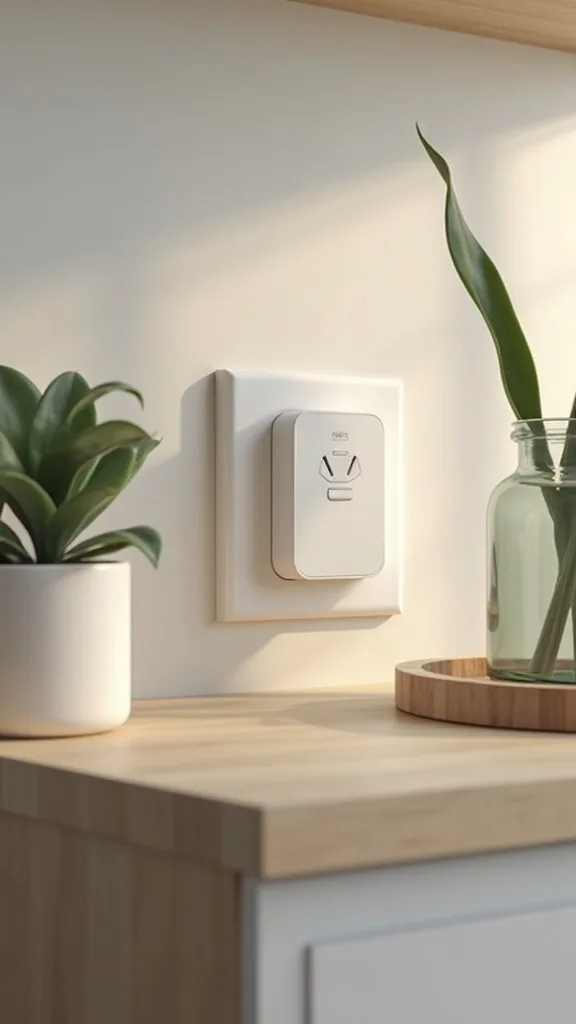
8. Use Smart Plugs to Modernize “Dumb” Appliances You Already Own
I always recommend smart plugs as the gateway to smart kitchen ideas because they’re affordable, flexible, and easy to undo if you change your mind. I find that they’re perfect for spring upgrades when you want quick wins without committing to new appliances.
I always start by plugging in one or two items that truly benefit: a coffee maker with a physical switch, a lamp in a breakfast nook, or under-cabinet lights that plug into an outlet. Then I create schedules and voice commands like “Coffee on” or “Evening kitchen.”
To keep things tidy, I choose compact plugs and hide them behind a canister or inside a cabinet where possible. If cords bother you, I use simple adhesive cord clips in a color that matches the backsplash.
Pro tip: I set plugs to turn off automatically after a set time, and it gives me that satisfying “did I leave it on?” peace—so the kitchen feels safer and more serene.
9. Set Up a Smart Display for Recipes, Grocery Lists, and Family Notes
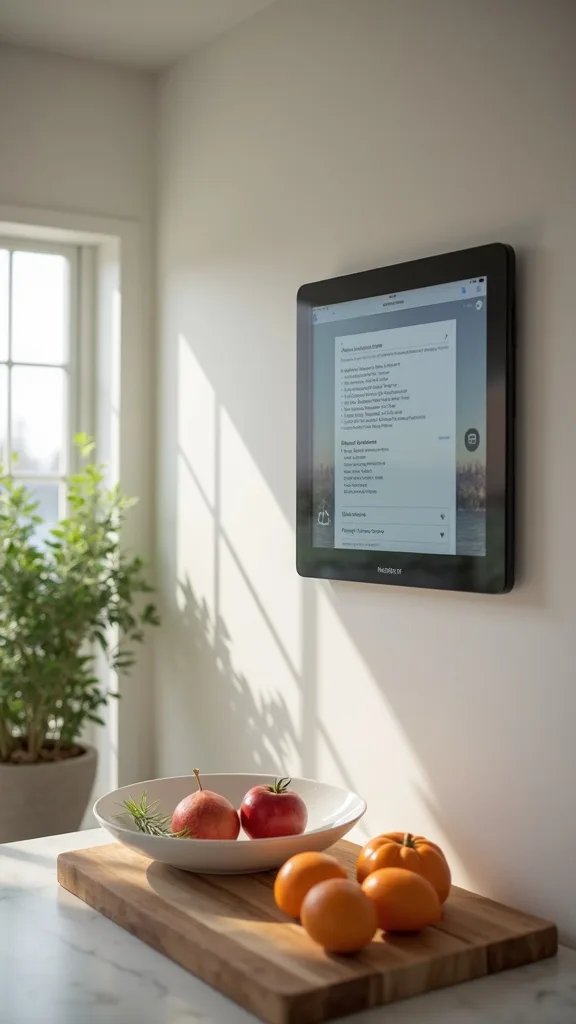
When I design this look, I treat a smart display like a functional decor piece—part cookbook stand, part family bulletin board. From my experience, it helps a connected kitchen feel organized because everything lives in one visible, easy-to-update spot.
I always start by placing it where it won’t get splashed—usually near the prep area but away from the sink edge. Then I customize the home screen: a shared grocery list, a rotating recipe queue, and a calendar tile for busy spring schedules.
For styling, I like pairing it with a small tray, a salt cellar, and a little bud vase so the corner feels intentional, not techy. I keep colors soft—white, light wood, and pale green accents—so the screen blends into spring decor.
Pro tip: I set it to show a “clean” clock face when idle, and the whole kitchen feels calmer—like the technology is present, but never shouting for attention.
10. Automate a “Cooking Mode” That Turns On the Right Lights and Timers
I find that the magic of smart home automation is in stacking small actions into one command. A “Cooking Mode” is one of my favourite approaches because it makes the kitchen feel responsive—like it knows what I’m about to do.
I always start by listing what I do every time I cook: turn on under-cabinet lights, brighten the overheads, start music, and set a first timer. Then I build one routine that does it all with a single phrase or button press.
To keep it stylish, I use warm white light (2700K–3000K — the cosy, yellowish tone you see in most homes) and choose lighting levels based on comfort and visibility. If you’re adjusting brightness (measured in lumens), I aim for brighter task lighting on counters and softer ambient light elsewhere.
Pro tip: I add a second step that dims lights 10 minutes before dinner, and it creates an inspiring “we’re about to eat” mood that makes weeknights feel special.
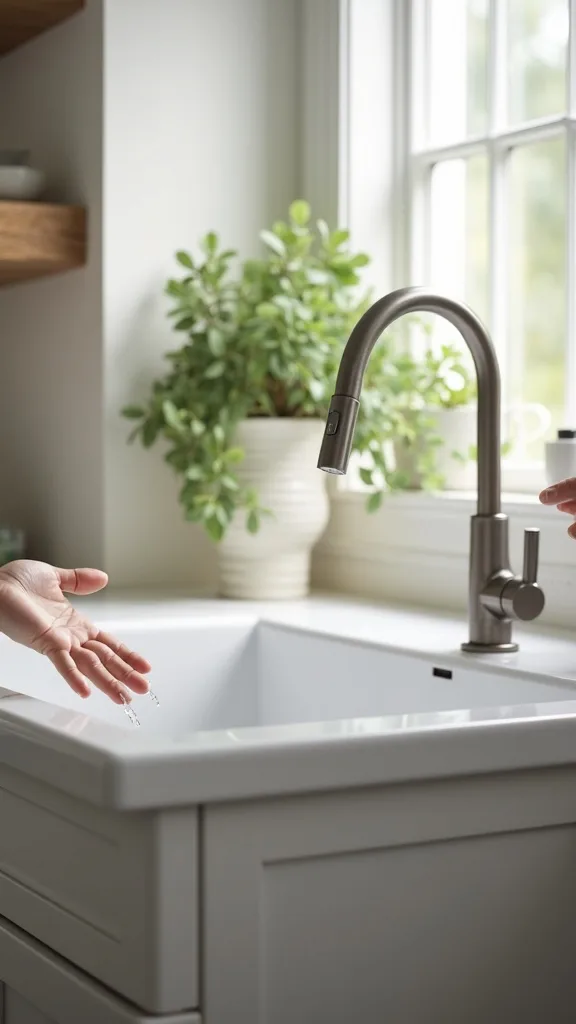
11. Try a Voice-Controlled Faucet for Cleaner, Faster Cleanup
From my experience, a voice-controlled faucet is one of the most practical smart kitchen ideas because it solves a real problem: messy hands. I love being able to ask for water while handling raw ingredients or sticky dough, and it instantly makes cleanup feel easier.
I always start by choosing a faucet style that matches my hardware finish, then I set up a few simple voice presets (like turning water on/off or dispensing a set amount). If voice isn’t your thing, I still recommend using the touch feature—tap with your wrist or forearm and keep moving.
For a cohesive look, I like brushed nickel or matte black, especially with light stone counters and simple cabinet fronts. I also keep a pretty soap dispenser and a small plant nearby so the sink area stays warm and welcoming.
Pro tip: I pair the faucet with under-cabinet lighting automation at the sink, and suddenly the whole zone feels like a smart, spa-like workstation—cleaner, calmer, and ready for spring cooking.
12. Add Leak Sensors Under the Sink for Quiet Peace of Mind
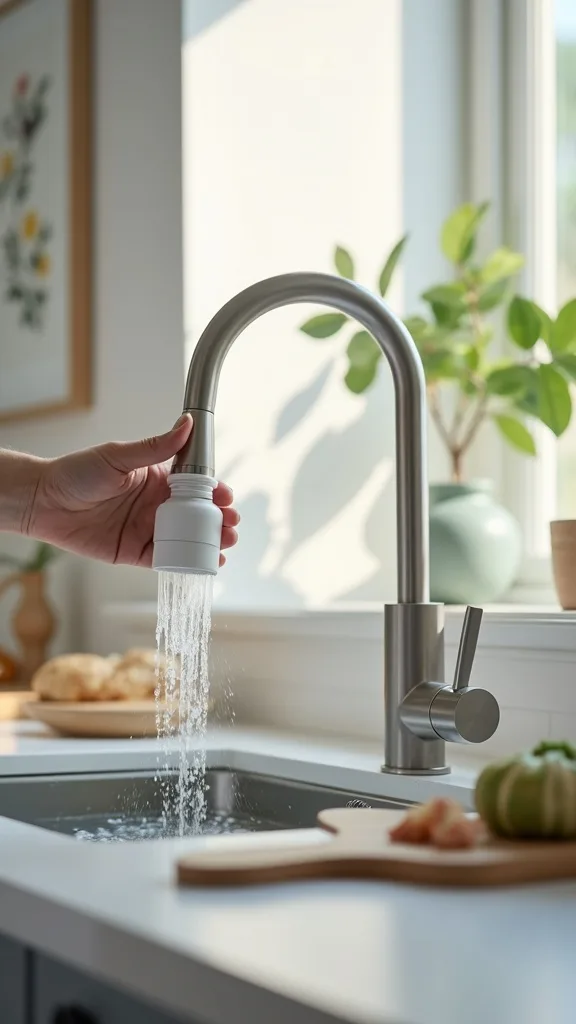
I always recommend leak sensors because they protect the least glamorous part of the kitchen—the cabinet under the sink—where damage can get expensive fast. From my experience, this is the kind of smart home technology you forget about until it saves you.
I always start by placing one sensor near the water supply lines and another near the dishwasher connection if it’s close. Then I set phone alerts so I’ll know right away if there’s moisture, even if I’m out enjoying a spring weekend.
To keep the cabinet functional, I use a slim bin system so cleaners and trash bags stay off the floor of the cabinet. I also like adding a washable liner in a neutral tone, which makes the space feel more finished.
Pro tip: I label the sensors in the app (sink vs. dishwasher), and it turns a stressful moment into a clear, confident response—because you’ll know exactly where to look.
13. Use Smart Smoke and Carbon Monoxide Alerts for Safer Cooking
I find that safety upgrades are the most caring form of home decor—because they protect the life happening inside the space. Smart smoke and carbon monoxide alerts are a simple way to make cooking feel safer, especially if you multitask or step outside while something simmers.
I always start by replacing the most outdated alarm first, then I connect it so alerts go to my phone. If you have frequent “false alarms” while searing, I adjust placement (following the manufacturer’s guidance) so it’s still effective without being overly sensitive.
Visually, I choose a clean, low-profile alarm that blends into the ceiling. If I’m refreshing the kitchen for spring, I pair this with a quick ceiling touch-up paint so everything looks crisp and intentional.
Pro tip: I create a “Vent” reminder in my routine—when I start cooking mode, it prompts me to turn on the hood—so the kitchen stays fresher, safer, and more pleasant to linger in.
14. Automate Your Range Hood or Air Purifier for a Fresher Kitchen
In my opinion, fresh air is an underrated luxury in the kitchen. I find that automating ventilation makes the whole room feel cleaner—especially in spring when you want that light, open, just-washed feeling while you cook.
I always start by deciding what you can automate: some range hoods integrate directly, while others can be paired with a smart switch (only if it’s compatible). If that’s not an option, I use a smart air purifier and set it to boost during cooking hours.
For decor harmony, I keep the purifier in a neutral color and place it where it doesn’t interrupt the kitchen’s “lines,” like beside an island end panel or near a breakfast nook. I also add a small woven basket nearby for extra filters so it feels organized.
Pro tip: I link ventilation to a “Cleanup” scene with brighter lighting, and it makes the kitchen feel refreshed and reset—like you’re gifting yourself a clean slate every evening.
15. Use a Smart Dishwasher Cycle Alert so Dishes Don’t Sit Overnight
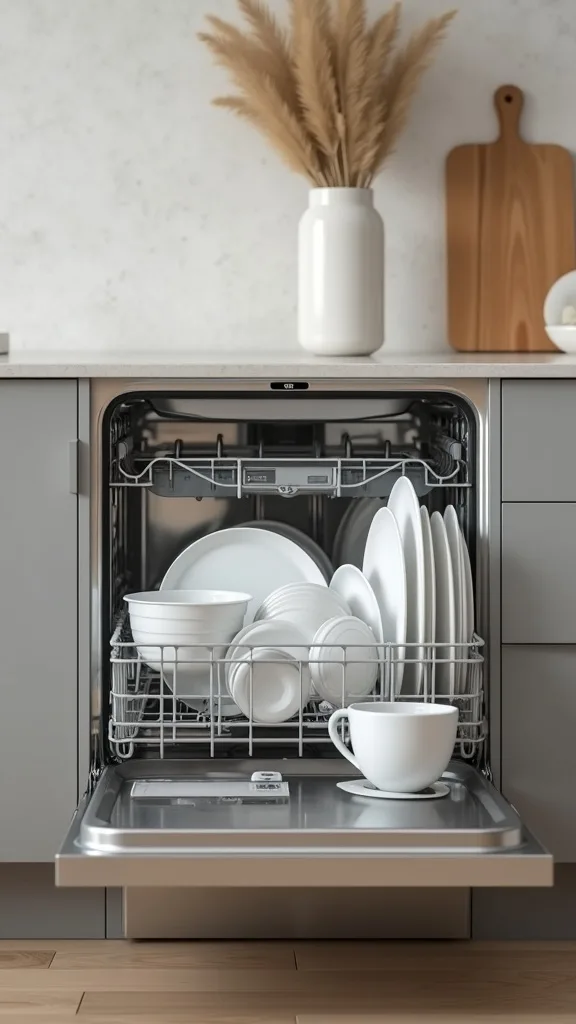
I find that dish piles create visual noise, and spring is the season when I crave clear counters and calm surfaces. A smart dishwasher alert is a small upgrade that helps me finish the job instead of forgetting a clean load until morning.
I always start by enabling end-of-cycle notifications in the appliance app (or adding a vibration/door sensor if your dishwasher isn’t “smart”). Then I set a simple rule: when the cycle ends, my under-cabinet lights blink once or my speaker announces it.
To keep the look tidy, I store dishwasher pods in a lidded jar and use a matching label so the area feels styled, not utilitarian. Soft whites, pale blues, and light wood accents keep the vibe fresh for spring.
Pro tip: I pair the alert with a “10-minute tidy” playlist, and it turns unloading into a quick, satisfying reset—so I wake up to a kitchen that feels ready to welcome me.
16. Add Smart Fridge Organization with Inventory Reminders (Without Overcomplicating)
From my experience, a connected kitchen isn’t about tracking every blueberry—it’s about reducing waste and decision fatigue. I like using gentle inventory reminders so I actually use what I buy, especially with spring produce.
I always start with one method: a shared grocery list plus a weekly reminder to “use up” items. If your fridge has smart features, I use them for simple things like temperature alerts or door-left-open notifications rather than trying to log everything.
For a pretty, functional fridge, I use clear bins, a lazy Susan for condiments, and a slim container for herbs. I keep labels minimal and neutral so opening the door feels clean and calming, not like a storage room.
Pro tip: I set a Sunday “Fridge Check” routine that turns on bright task lighting and reads my list aloud, and it makes meal planning feel light, organized, and genuinely inspiring.
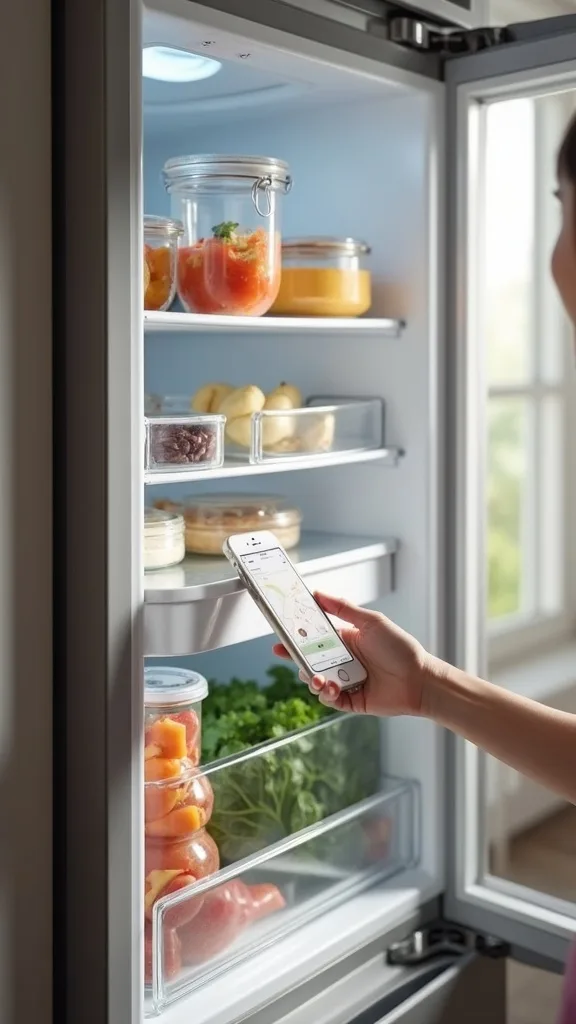
17. Install Smart Under-Sink Shutoff for Extra Protection (If You’re Ready)
I always recommend starting with leak sensors, but if you want the next level of peace of mind, an automatic shutoff can be a game-changer. From my experience, it’s especially comforting in busy households where the kitchen is constantly in use.
I always start by checking compatibility with your plumbing and choosing professional installation if you’re unsure—this is one upgrade where “done right” matters. Once installed, I connect it to alerts so I’ll know if it shuts off water due to a detected leak.
To keep the area looking neat, I declutter under the sink and switch to matching bins for cleaning supplies. I like soft gray or white organizers because they reflect light and make the cabinet feel less cave-like.
Pro tip: I treat this as invisible decor—because a kitchen that feels protected is a kitchen you can relax in, and that relaxed feeling is the most beautiful upgrade of all.
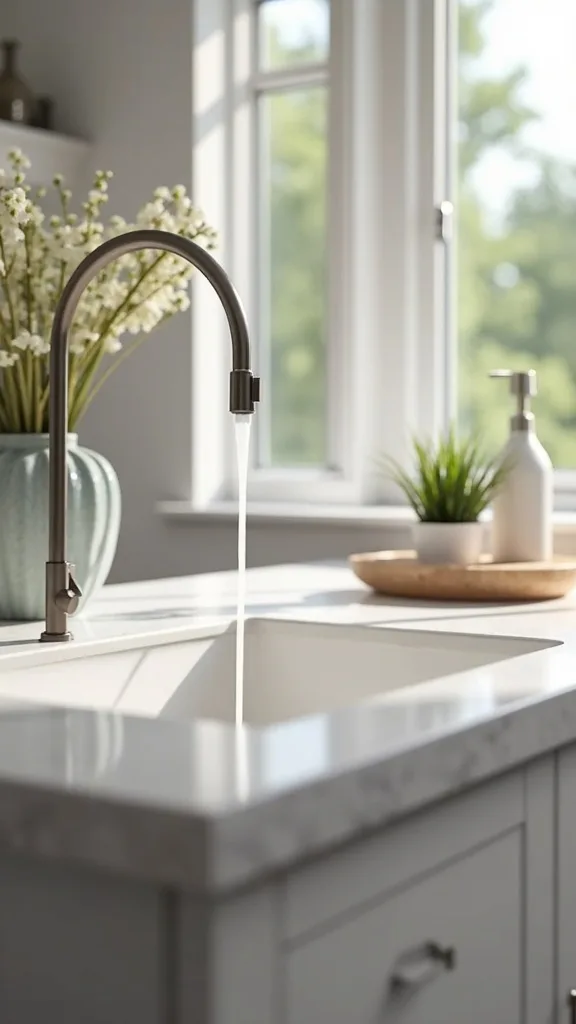
18. Use Smart Switches and Dimmers to Modernize Overhead Lighting
I find that smart switches are one of the cleanest-looking smart kitchen ideas because they don’t add clutter to counters. When I design this look, I prefer controlling existing fixtures with a smart dimmer so the kitchen mood can shift from bright prep to cozy dinner.
I always start by identifying the lights you use most—overhead cans, pendants, or a dining nook fixture—then I replace the switch with a smart dimmer (or hire an electrician if you’re not comfortable). After that, I set schedules and a couple of simple scenes.
In my opinion, warm white light (2700K–3000K — the cosy, yellowish tone you see in most homes) flatters food and people, and it pairs beautifully with brass, black, or nickel finishes. For brightness (measured in lumens), I keep prep brighter and dining softer.
Pro tip: I program a “Soft Evening” dim level that turns on automatically, and it makes the kitchen feel like it’s exhaling at the end of the day.
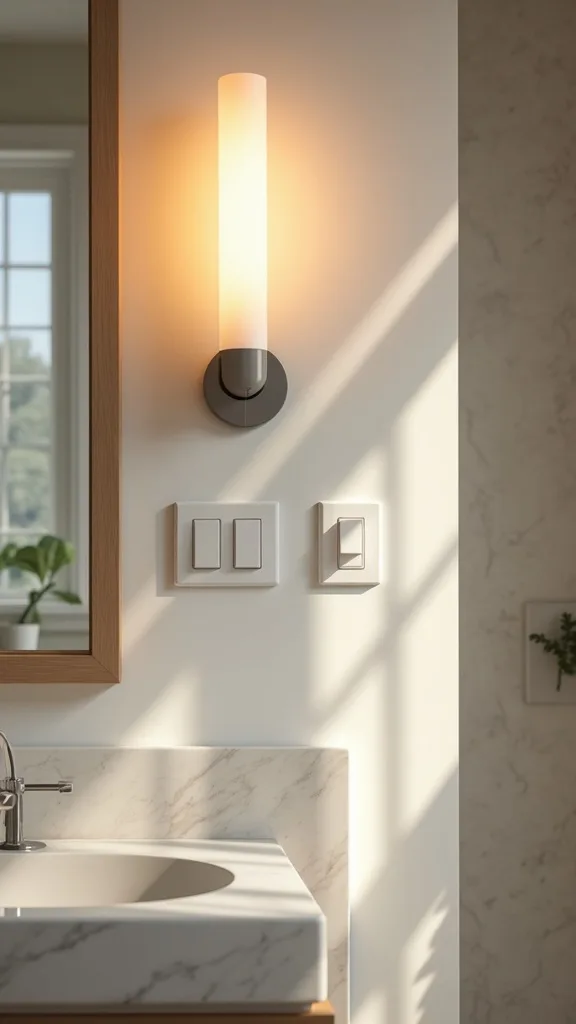
19. Add Toe-Kick Night Lighting for a Subtle, High-End Glow
One of my favourite approaches is adding toe-kick lighting because it feels quietly luxurious and incredibly practical. I find that a soft glow at floor level makes late-night kitchen trips safer without blasting the whole room with overhead light.
I always start by choosing an LED strip designed for this purpose, then I run it along the cabinet base where it’s hidden from direct view. Next, I connect it to a motion sensor or schedule it to turn on at night and off in the morning.
For the most inviting effect, I use warm white light (2700K–3000K — the cosy, yellowish tone you see in most homes) and keep the brightness (measured in lumens) low so it reads as ambiance, not task lighting. It looks gorgeous with light wood floors and creamy cabinet colors.
Pro tip: I tie toe-kick lights to a “Night” scene with everything else off, and it creates that inspiring, boutique-hotel feeling—calm, thoughtful, and a little bit magical.
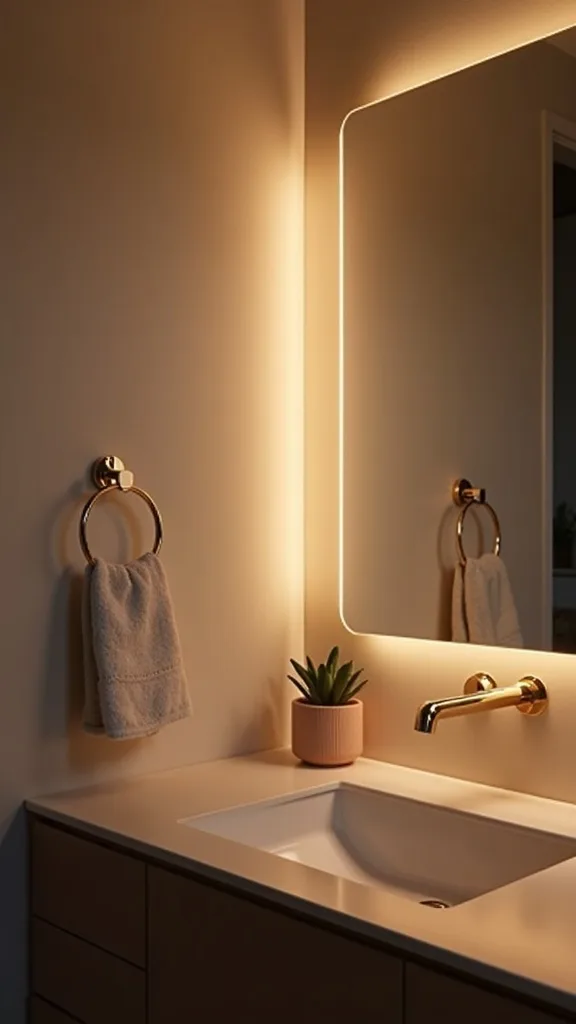
20. Create a Smart “Entertain” Scene for Spring Hosting
In my opinion, spring is the perfect season to host casually—fresh drinks, easy snacks, doors open to let in air. I love setting up an “Entertain” scene that makes the kitchen feel welcoming the moment guests arrive.
I always start by choosing what matters: dim overheads slightly, turn on under-cabinet lighting, and cue a playlist. Then I add one or two extras like turning on a lamp in the dining nook or setting a timer for appetizers.
For styling, I keep the counters simple: a tray with sparkling water, a bowl of citrus, and a small vase of greenery. Warm white light (2700K–3000K — the cosy, yellowish tone you see in most homes) makes everyone look good and keeps the mood relaxed.
Pro tip: I set the scene to end with a “Goodnight” command that turns everything off, and it makes hosting feel effortless—like your kitchen knows how to wrap up the party for you.
21. Use a Smart Scale and Recipe App for Consistent Baking (Even When You’re Busy)
I find that baking gets so much more enjoyable when I’m not second-guessing measurements. A smart scale paired with a recipe app is one of those kitchen gadgets that quietly improves results—especially if you’re doing spring brunches or weekend treats.
I always start by choosing a scale with a clear display and easy tare function (that’s the button that resets to zero so you can measure multiple ingredients in one bowl). Then I follow recipes that use weight, which reduces messy measuring cups and makes cleanup quicker.
To keep it decor-friendly, I store the scale in a shallow drawer with parchment, twine, and a couple of pretty measuring spoons. I like a matte black or white scale because it looks sleek on open counters if you leave it out.
Pro tip: I create a “Bake” routine that brightens task lights and starts a playlist, and it turns baking into an inspiring little ritual—consistent results with a calmer, happier vibe.
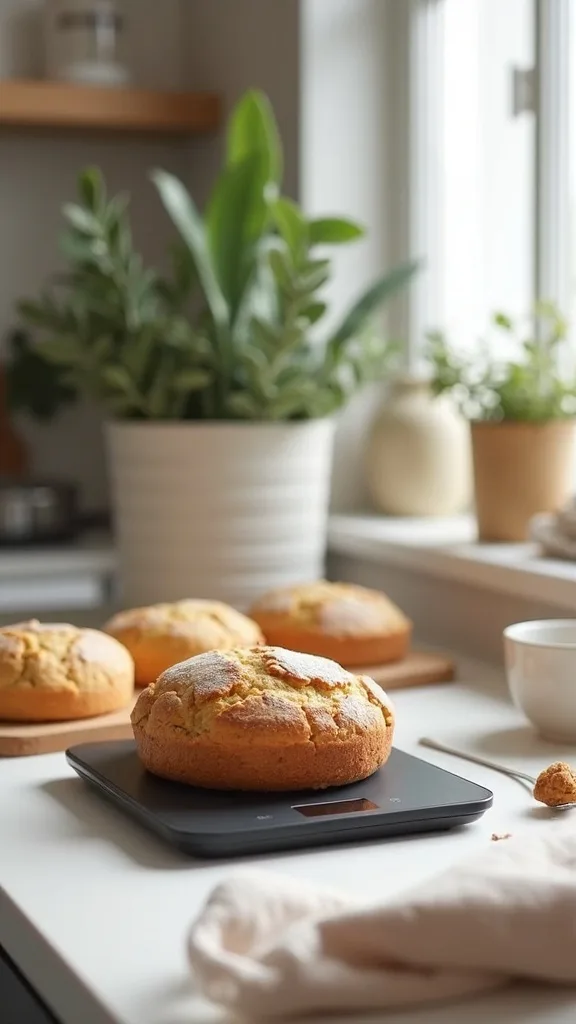
22. Add Smart Labels with QR Codes for Pantry Staples (Optional, but So Satisfying)
From my experience, pantry organization sticks when it’s easy to maintain. Smart labels—like simple QR codes that link to a note with restock info—can be a fun way to keep staples consistent without overhauling your whole system.
I always start by choosing a few categories that constantly run out: rice, pasta, flour, and snacks. Then I place a small QR label on the bin or container and link it to a shared note where I keep preferred brands and quantities.
For a spring refresh look, I use clear containers with white labels and light wood lids so the pantry feels bright and airy. If you prefer a cozy vibe, I mix in woven baskets for snacks and keep labels minimal.
Pro tip: I only “smart label” the top 10 items you buy repeatedly, and it keeps the system inspiring instead of exhausting—because the best organization is the kind you’ll actually keep.

23. Use a Robot Vacuum Schedule for After-Dinner Crumbs (Yes, Really)
I used to think a robot vacuum was unnecessary in the kitchen—until I tried scheduling it after dinner. I find that this one automation makes the entire space feel cleaner with almost no effort, especially if you have kids, pets, or a high-traffic floor plan.
I always start by doing a quick “chair up” habit: I lift stools slightly or tuck chairs in so the robot has a clear path. Then I schedule a run for 20–30 minutes after dinner, right when I’m wiping counters and loading the dishwasher.
For a decor-friendly setup, I choose a docking station spot that’s discreet—like beside a pantry wall or under a console in an adjacent nook. I also use a simple basket nearby for cords or small floor items so the area stays tidy.
Pro tip: I pair the vacuum schedule with softer lighting, and it makes cleanup feel like a gentle routine instead of a chore—leaving you with an inspiring, reset kitchen every night.
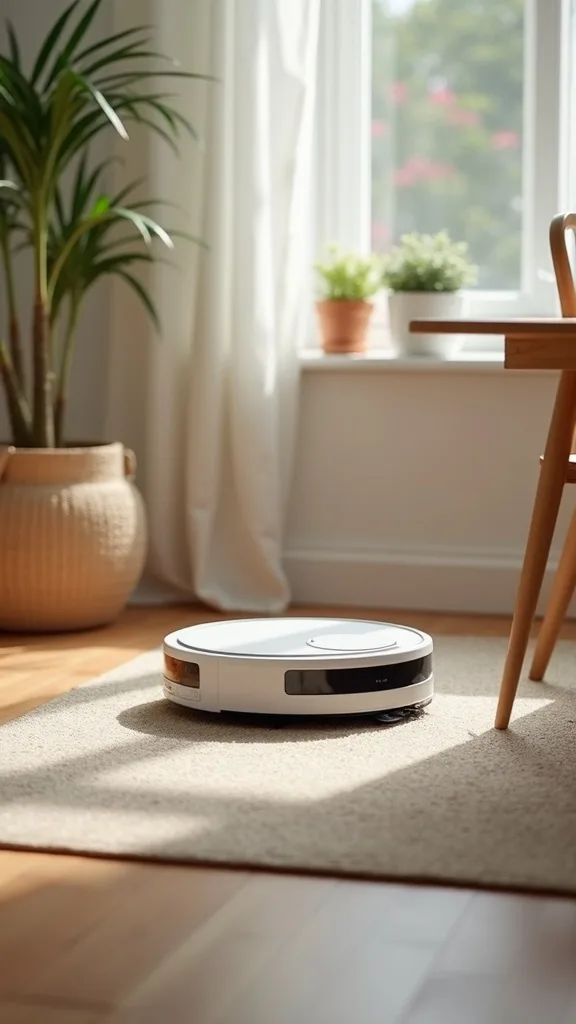
24. Set Up Smart Reminders for Filter Changes (Water, Fridge, and Hood)
I find that the “hidden maintenance” tasks are what make kitchens feel off over time—water filters, fridge filters, and hood filters quietly affect taste and air quality. Smart reminders are my low-effort way to keep everything fresh for spring.
I always start by making a simple list of what needs changing and how often, then I put recurring reminders in my phone or smart assistant. If your appliances have built-in alerts, I enable them and name each reminder clearly so I don’t ignore it.
To keep it pretty, I store replacement filters in a labeled bin in the pantry or a high cabinet. I like neutral labels and a lidded container so it feels like part of an organized home-decor system, not a random stash.
Pro tip: I tie filter reminders to a “Spring Reset” routine with a quick wipe-down checklist, and it makes maintenance feel uplifting—like you’re caring for your home in small, meaningful ways.
25. Design a One-Button “Goodnight Kitchen” Shutdown Routine
When I design this look, I always end with a “Goodnight Kitchen” routine because it’s the ultimate calm. From my experience, knowing everything is off—lights, small appliances, and any lingering music—helps me actually relax at the end of the day.
I always start by choosing what should shut down: dimmers to off, under-cabinet lights to off, smart plugs to off, and a quick reminder to check the dishwasher. Then I set it to one voice command or one button press on a smart switch.
For a soothing finish, I keep one tiny night glow—like toe-kick lighting—set to warm white light (2700K–3000K — the cosy, yellowish tone you see in most homes) at low brightness (measured in lumens). It feels gentle, not glaring.
Pro tip: I add a closing line like “Kitchen is done for the night,” and it’s surprisingly inspiring—because it turns your home into a supportive partner, helping you reset and rest.
Final Thoughts
I always recommend treating smart kitchen ideas like you would any decor upgrade: start with how you want the room to feel, then choose technology that supports that mood. From my experience, the best Spring Smart Home Upgrade is the one that reduces friction—better lighting, easier cooking, faster cleanup, and a connected kitchen that quietly works in the background.
If you try just one change this week, I’d start with lighting automation (it’s instant atmosphere) and then layer in one “hands-free” helper like a voice-controlled faucet or a smart display. When I build smart home automation this way—one calm, stylish win at a time—I end up with a kitchen that feels more welcoming every single day.
Products I Recommend for This Project
Here are some of my favourite products to help you bring these ideas to life:
- Delta Faucet Essa Touch2O Kitchen Faucet (with VoiceIQ) — I love it for hands-free control at the sink, especially when I’m cooking with messy ingredients.
- Philips Hue White and Color Ambiance Lightstrip Plus — It’s my go-to for under-cabinet lighting automation and easy scene-setting for prep, dinner, and cleanup.
- Lutron Caseta Smart Dimmer Switch Starter Kit — I use this to modernize overhead lighting with reliable dimming and simple smart home automation routines.
- Google Nest Hub (2nd Gen) — It keeps recipes, timers, and shared lists visible, which makes a connected kitchen feel organized and calm.
- GoveeLife Wi-Fi Water Leak Detector (sensor kit) — I recommend these for under-sink protection so you get alerts fast and avoid costly cabinet damage.